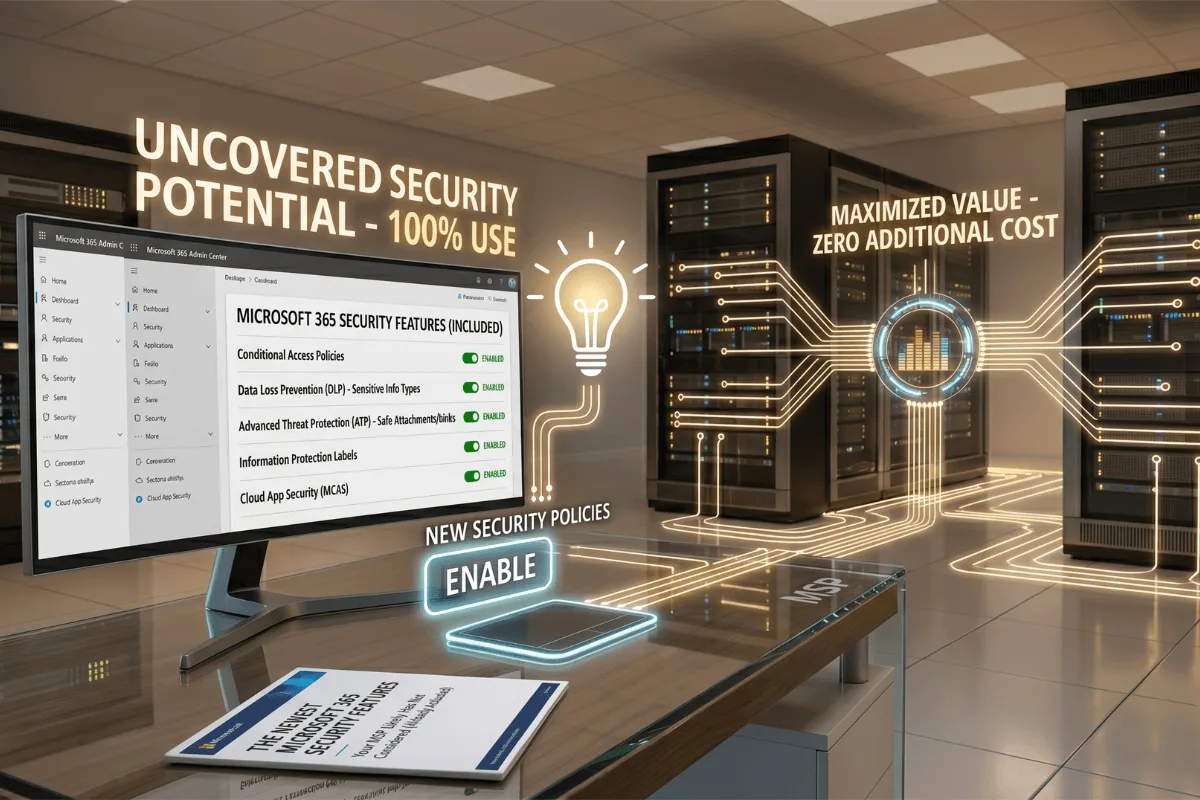
In Part 1, we covered several Microsoft 365 security capabilities that many organizations already license but rarely use. The pattern is common: the MSP enabled MFA, created a few Conditional Access policies, deployed endpoint protection, and considered the environment secure.
Those controls are important. But they represent the foundation of a modern security program, not the finished result. Microsoft 365 has changed. Users now work from anywhere, access data from multiple devices, and interact with cloud and generative AI applications outside the traditional corporate perimeter. If your security model still depends on VPNs, trusted IP addresses, static access rules, and basic DLP policies, your organization may be trying to protect a modern workplace with a legacy architecture.
Why most MSP security stops too early
Most MSPs are structured to keep technology operational. They manage accounts, devices, licenses, email, backups, and support requests. Their priority is stability, standardization, and fast ticket resolution.
Modern security requires something different. It requires continuous evaluation of how identities connect, where data travels, what risk surrounds each interaction, and how controls should respond without unnecessarily blocking legitimate work. That level of design is rarely included in a standard managed services agreement. As a result, many Microsoft 365 tenants remain configured around security practices that were reasonable several years ago but no longer address how employees work today.
The problem is not always that the MSP selected the wrong Microsoft products. The problem is that no one designed the next stage of the security architecture.
Global Secure Access changes how users connect
Microsoft Entra Global Secure Access brings identity and network security together. Instead of trusting a connection only because it comes from a known IP address or passes through a traditional VPN, organizations can use Microsoft Entra signals and Conditional Access to evaluate the user, device, risk, application, and network context.
Global Secure Access introduces the concept of a compliant network. Organizations can require selected users or applications to connect through their own Global Secure Access service before access is granted. Microsoft explains that this approach can reduce dependence on fixed egress IP addresses and help limit token theft and replay attacks. It can also support Universal Tenant Restrictions, helping prevent users from signing in to unauthorized Microsoft 365 tenants and transferring company information into personal or unapproved environments.
This is not simply a new VPN. It is a shift from network location as the primary trust signal to identity-aware, policy-driven access.
Protecting the connection and the data
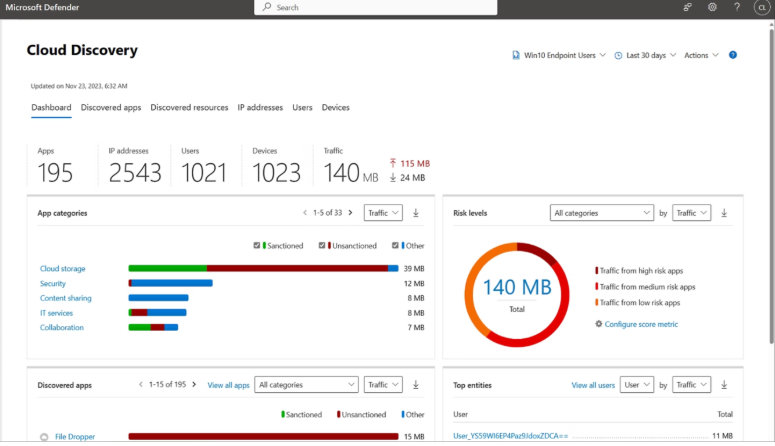
Controlling the connection is only half of the security problem. An authorized employee can still expose sensitive information through cloud applications, browser sessions, or generative AI tools. The connection may be legitimate while the data movement is not.
Microsoft Purview Network Data Security extends Purview classification and protection capabilities to network traffic through integrations with secure access technologies, including Microsoft Entra Global Secure Access. Microsoft documents that this integration can help organizations identify, alert on, and block sensitive information shared with unmanaged or untrusted cloud applications, including generative AI services such as ChatGPT, Gemini, and Claude. The capability uses familiar Purview classifiers so that data protection can extend beyond Microsoft 365 applications and reach the network layer.
At the time of writing, Microsoft lists the Global Secure Access integration with Purview Network Data Security as a preview capability, with specific licensing and pay-as-you-go requirements. It should therefore be evaluated through a controlled technical and licensing assessment before production deployment. The strategic direction, however, is clear:
- Global Secure Access controls how users reach applications and resources.
- Microsoft Purview identifies and classifies the information being handled.
- DLP policies determine whether sensitive data can be shared.
- Adaptive Protection can strengthen or relax DLP controls according to changes in user risk.
This creates a security model that evaluates both access and data context instead of treating them as separate problems.
Modern security should not interrupt the business
Many organizations delay security improvements because they expect disruption. They worry that new Conditional Access or DLP policies will block employees, generate support tickets, interfere with critical applications, or create downtime. Those outcomes usually result from deploying policies without discovery, testing, or staged enforcement.
NeoDefender approaches modernization differently:
- Discover: We analyze identities, devices, applications, data flows, licenses, and existing policies.
- Design: We create a target architecture based on business risk and operational requirements.
- Validate: We use scoped deployments, simulations, report-only policies, and controlled pilot groups where the technology supports them.
- Modernize: We introduce protections gradually, monitor their effect, and refine exceptions before broader enforcement.
The objective is not to activate every Microsoft security feature. It is to implement the right controls in the right order, preserving productivity while reducing exposure.
Turning legacy Microsoft 365 security into modern security
Your MSP may be doing exactly what you hired it to do. But maintaining Microsoft 365 is not the same as continuously modernizing its security. If your environment still relies on a traditional VPN, static trusted locations, old Conditional Access policies, and basic DLP templates, it is time to ask what the next stage should look like.
In Part 3, we move from how users connect to the endpoint itself, and the privilege and application controls most MSPs never implement.
Contact NeoDefender to evaluate Global Secure Access, Microsoft Purview, Adaptive Protection, and the newest Microsoft security capabilities through a practical modernization roadmap. No rushed deployments. No generic policy templates. No unnecessary disruption to your users. Your users have already changed how they work. Your security architecture should change with them.